
View Changelog
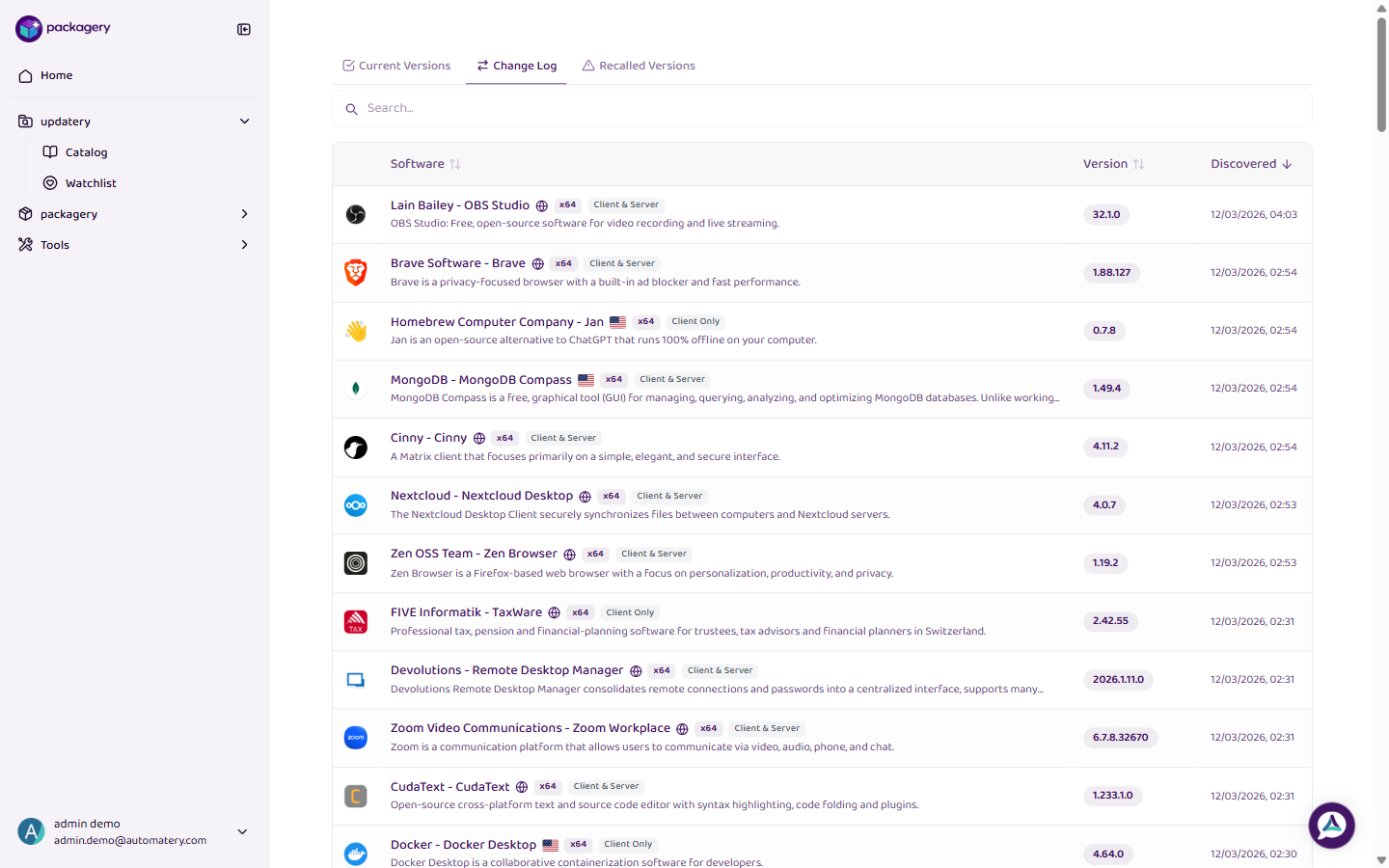
View the chronological changelog of all software version updates in the catalog.
-
Navigate to the updatery catalog page
Navigate to the updatery catalog page.
-
Click
Click the Change Log tab to see a chronological list of all version changes. This shows when new versions appeared and what changed.
-
Click
Click on any changelog entry to see the full details including version number, release date, and change description.