
View Smoke Test
Document and view smoke test results for completed software packages.
-
Navigate
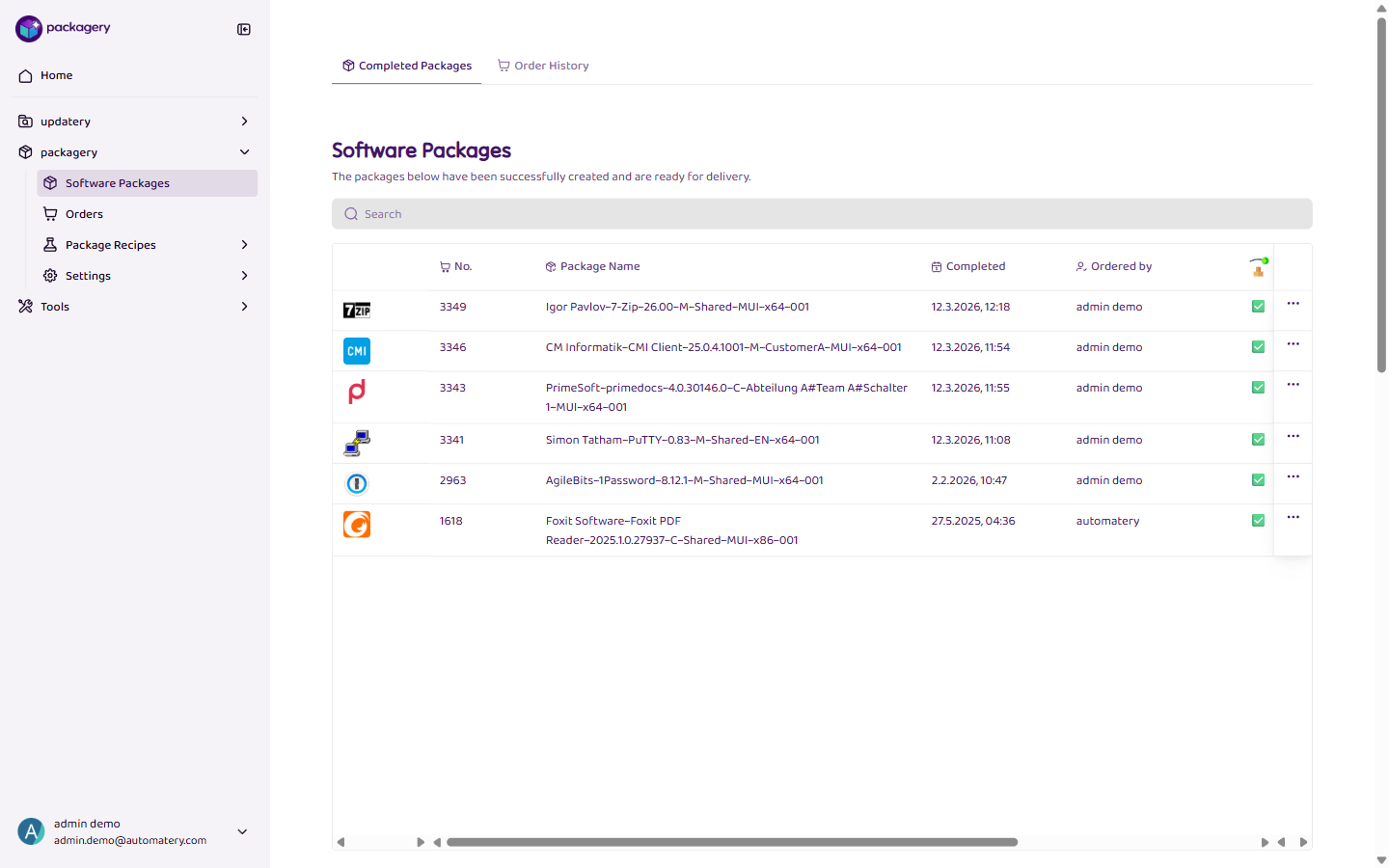
Navigate to the Software Packages page and select a completed package.
-
In the package details, find the Smoke Test section
In the package details, find the Smoke Test section. Here you can see existing test results or document a new one.
-
Fill in
Select the test result (passed or not passed) and optionally add a comment. Documented smoke tests help your team track package quality.