
View Order History
View the chronological history of all package build orders.
-
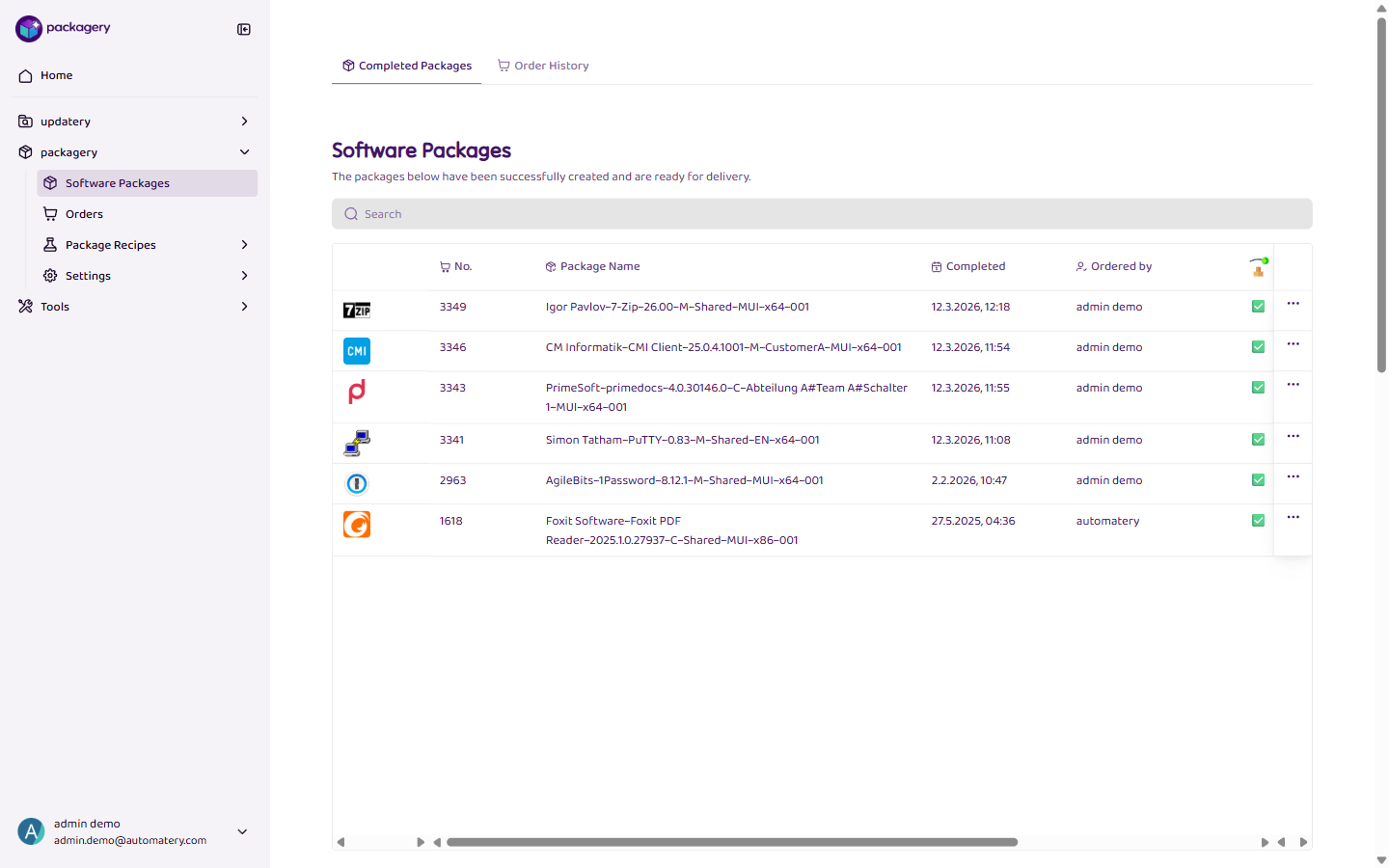
Navigate to the Software Packages page
Navigate to the Software Packages page.
-
Click
Click the Order History tab to see all past orders chronologically. Each entry shows the orderer, date, ordered software, and current status.
-
Click
Click on an order to see its full details and track its progress through the build pipeline.