
Deliver to Intune
Deliver a completed software package to Microsoft Intune.
-
Navigate
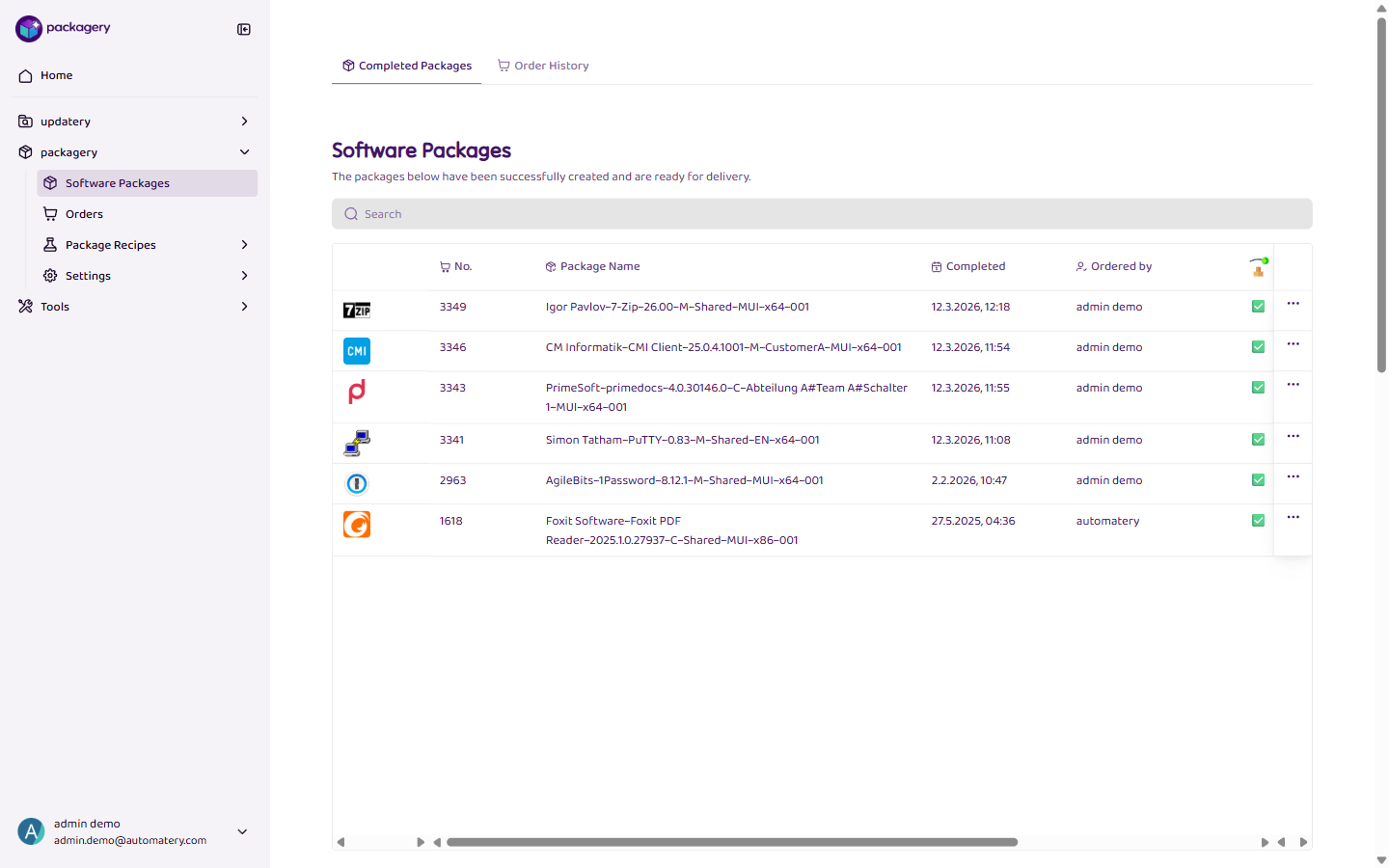
Navigate to the Software Packages page and select the Completed Packages tab.
-
Find the package you want to deliver
Find the package you want to deliver. The package must be successfully built (status: completed).
-
Click
Click Deliver to transfer the package to your configured Intune tenant. A delivery profile must be configured and verified beforehand.
-
The package is now being delivered to Intune
The package is now being delivered to Intune. You can track the delivery status in the package details.