
Manage Static Recipes
Create and manage static package recipes for one-time software packages or special cases.
-
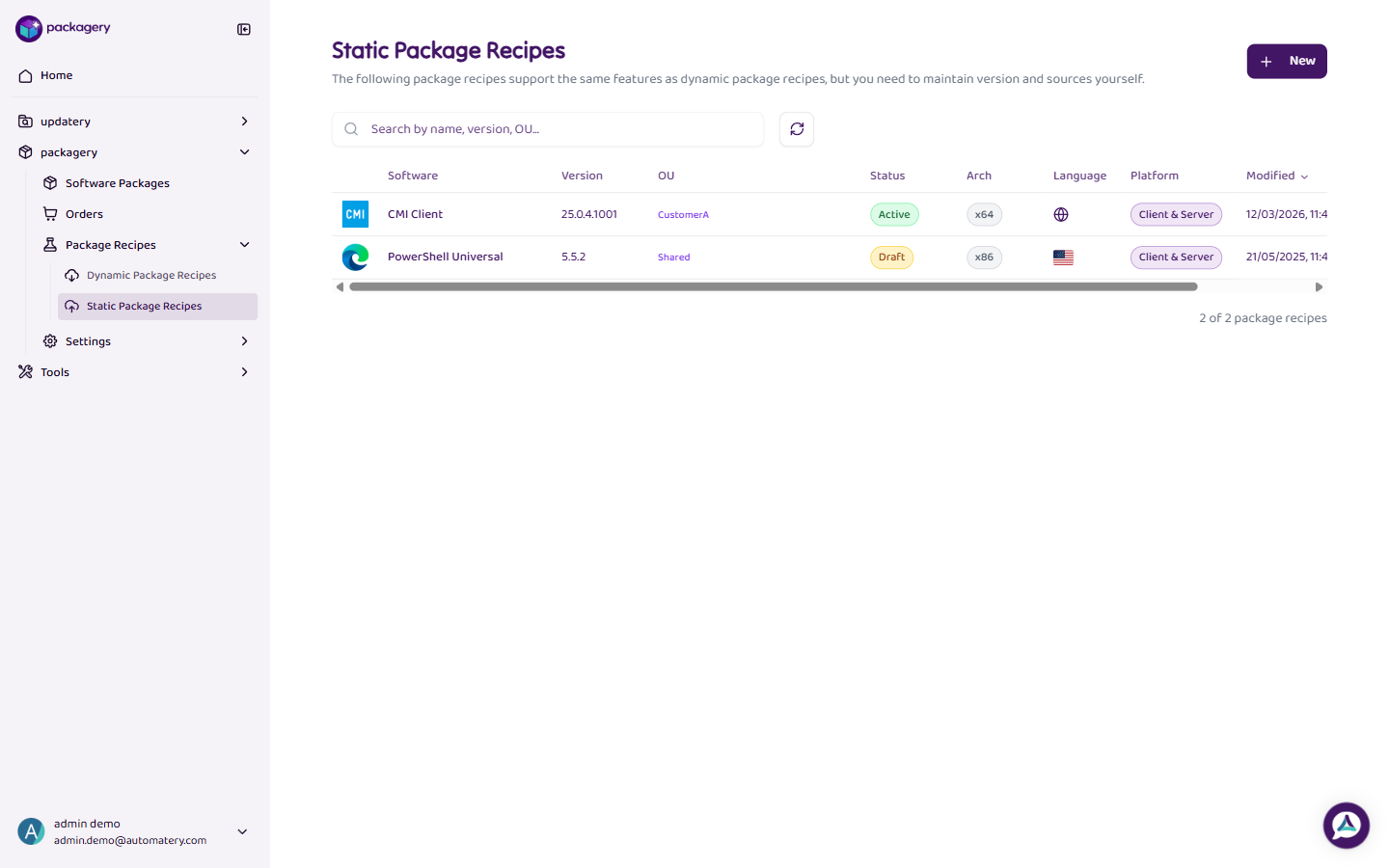
Navigate to Package Recipes and select Static Recipes
Navigate to Package Recipes and select Static Recipes. The table shows all static recipes with their configuration.
-
Click New to create a static recipe
Click New to create a static recipe. Specify a fixed version and configuration. Static recipes are used for internal tools, custom developments, or software with special installation requirements.
-
Fill in the required fields
Fill in the required fields. Unlike dynamic recipes, static recipes do not automatically update when new versions are released.
-
Click
Click on a recipe row or use the 3-dot menu to edit or delete a static recipe.