
Portal Overview
Get an overview of the packagery portal layout, navigation, and main areas.
-
Navigate
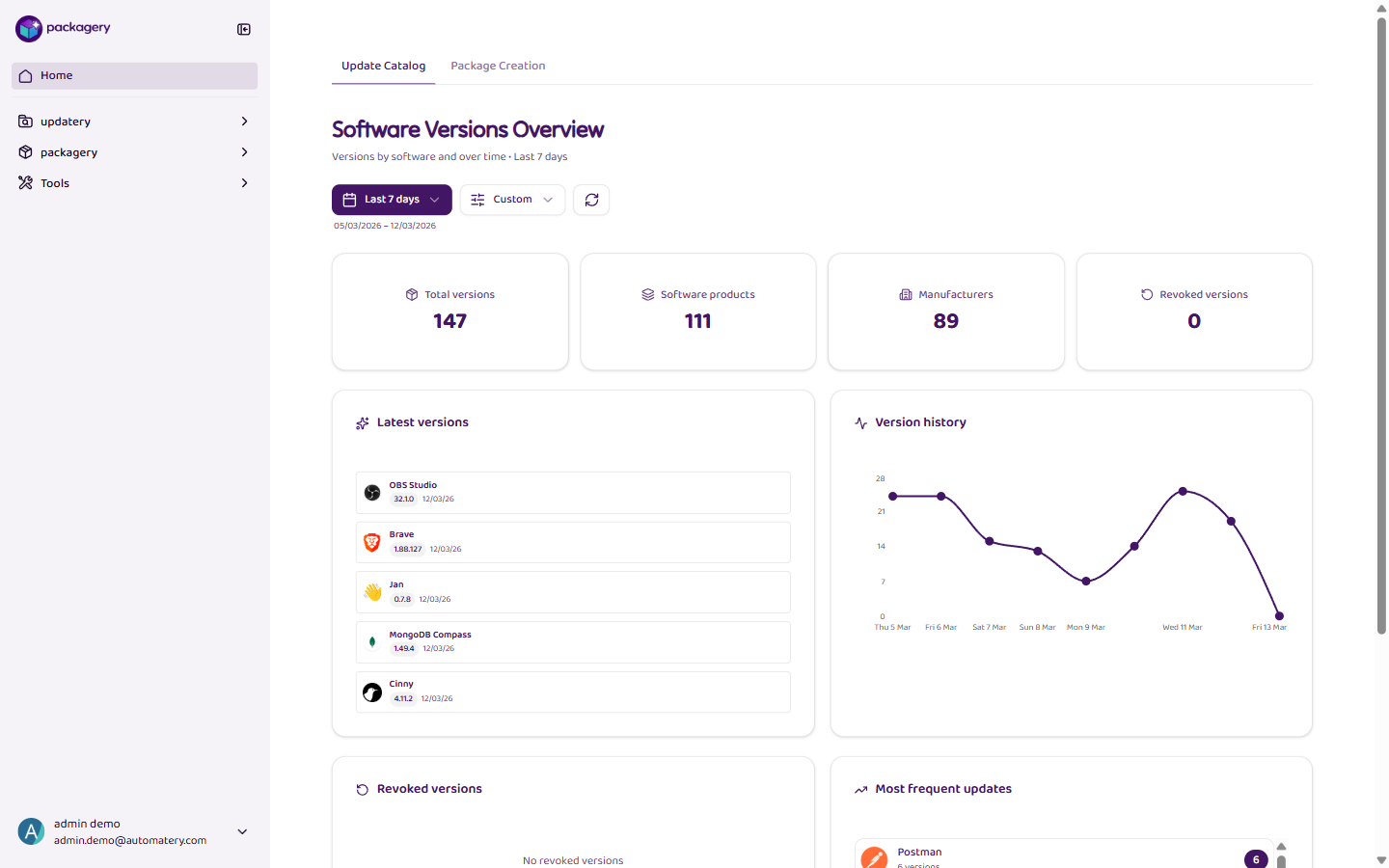
The portal has a sidebar on the left with the main navigation areas: Home, updatery, packagery (Softwarepakete, Bestellungen, Paketrezepte, Einstellungen), and Tools.
-
Navigate
The Home area has two dashboard tabs: Update Catalog shows software version KPIs, and Build Statistics shows packaging order metrics.
-
Navigate
The updatery area contains the software catalog with current versions, your watchlist, changelog, and recalled versions.
-
Navigate
The packagery area is where you manage software packages, build orders, package recipes, and settings like configuration and delivery profiles.