
Account Settings
Your account settings let you manage your personal profile information and portal preferences. Every user can access their own account settings.
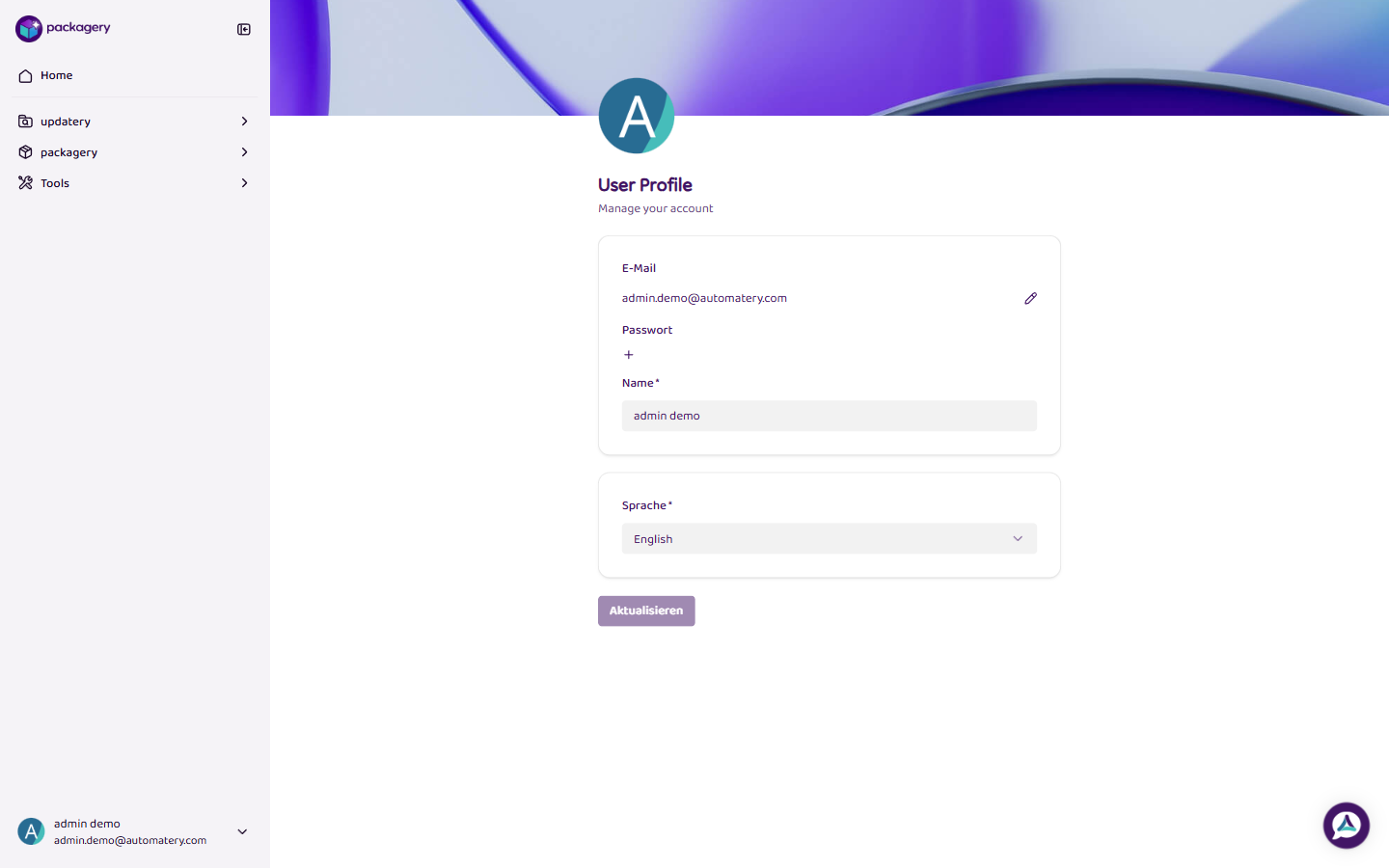
Access Account Settings
Section titled “Access Account Settings”Click your name at the bottom left of the sidebar and select User Profile. Alternatively, navigate directly to the account page.
Available Settings
Section titled “Available Settings”The account page contains two sections:
Profile
Section titled “Profile”- E-Mail — Your login email address. Click the pencil icon to change it.
- Password — Add or change your password. Since packagery uses Magic Links for authentication, a password is optional.
- Name — Your display name (required). This is shown throughout the portal and in user management.
Language
Section titled “Language”- Language — Choose between English and Deutsch (German). This setting controls the portal interface language.
Update Your Profile
Section titled “Update Your Profile”-
Open Account Settings
Click your name at the bottom left of the sidebar and select User Profile.
-
Edit your information
Change your name, add or update your password, or select a different language.
-
Save changes
Click Update to save your changes.